Carrd Review (2026): Who It's For, Who Should Skip
 Marcel Cruz
Carrd is a one-page site builder that starts at $0, and the tier most buyers actually need is Pro Standard at $19 a year, the cheapest plan that includes a custom domain. Buy it if you want a single, self-contained page you fully control. Skip it if you need a link hub, a store, or monthly billing.
Verdict: worth it for one-page sites on your own domain. The most repeated claim about it, that a custom domain costs $9 a year, is wrong.
| Plan | Price (annual) | Sites | The thing that matters |
|---|---|---|---|
| Free | $0 | 3 | Carrd subdomain and a "Made with Carrd" footer. No custom domain, forms, or analytics |
| Pro Lite | $9/year | 3 | Branding removal and cosmetics only. Still no custom domain, forms, or analytics |
| Pro Standard | $19/year | 10 | Cheapest tier with a custom domain, plus forms, embeds, analytics, meta tags |
| Pro Plus | $49/year | 25 | Advanced forms, password protection, redirects, site downloads |
Every price is billed once a year. Carrd publishes no monthly price at all, so any review quoting a Carrd figure "per month" has amortized it themselves.
Is Carrd actually free?
Yes, genuinely, with real limits. The free plan lets you build and publish three separate sites (not one, which is a common error in comparison posts) and use Carrd's core building features: templates, elements, responsive layouts, and hosting.
What free leaves out is the entire "this is my business" layer. You get a Carrd subdomain, a "Made with Carrd" footer, and no custom domain, no forms, no widgets or embeds, and no analytics. So free is fine for a personal profile or a landing page you send friends to, and it stops working the moment you need to look owned, collect an email, or measure anything.
There is also a 7-day Pro trial that requires no payment method, which is the honest way to test whether the paid features are worth it before spending.
What does each Carrd plan actually include?
The split that decides your purchase sits between Pro Lite and Pro Standard, not between free and paid.
Pro Lite ($9/year) removes the Carrd branding and unlocks cosmetics: premium templates and URLs, higher-quality images, larger uploads, video and slideshows, favicons, share images, and QR codes. It keeps the three-site limit. It has no custom domains, no forms, no embeds, and no analytics.
Pro Standard ($19/year) is where the functional features arrive: custom domains with SSL, forms (including integrations with the usual email tools), widgets and embeds, analytics, meta tags, and local fonts. It also raises you to ten sites.
Pro Plus ($49/year) adds the power-user set: advanced forms, password protection, redirects, downloadable sites, variables, and canonical URL control.
Each tier also sells higher-site-count variants with identical features, which only matters if you build many separate pages. We broke the whole ladder down in our Carrd pricing guide.
So: if you want your page on your own domain, your entry price is $19 a year, not $9. Carrd's own site says as much, leading with "Go Pro from just $19 / year" on both the homepage and the Pro page. The $9 figure that circulates in roundups is the branding-removal tier. If a custom domain is the whole reason you are upgrading, our guide to custom domains for a link in bio compares what the cheapest real option is across tools.
Why is Carrd so cheap?
Because it does deliberately less, and it is built by one person.
There is no multi-page mode, no blog, no CMS, and no commerce layer. No checkout to maintain means no payments infrastructure, no fraud handling, and no support desk for order problems. Billing is annual and up front. Hosting a single static page costs very little at scale.
That is the honest answer, and it is also the reason Carrd is wrong for some buyers. Cheap here is not a discount on a bigger product; it is the accurate price of a narrow one. You are not getting a stripped-down Squarespace for $19. You are getting a very good one-page builder that will never grow into the other thing.
Is Carrd trustworthy?
Reasonably, with the caveats you would expect from a small operation.
Carrd began as a side project by AJ (@ajlkn) and now trades as Carrd Inc. It is not a venture-backed platform with a support organisation behind it, and it does not publish a team page or headcount. If you want a vendor with an account manager and an SLA, this is not that, and no honest review should pretend otherwise.
One mechanic works in your favour that almost nobody mentions: it is pay-as-you-go by default. Auto-renew is opt-in, toggled from your account page, and Carrd's own wording is "automatically renew yearly or simply pay as you go". You are not signing up for a subscription that quietly charges you next year.
One to know before you buy up: downgrading is blocked while a site still uses features from your current plan. If a site uses forms or a custom domain, you have to edit those out before Carrd will let you move to a cheaper tier. Documented behaviour, not a bug, but it makes "try Plus and drop back later" less frictionless than it sounds.
Carrd vs Wix: which is better?
Different jobs. Wix is a full multi-page website builder with a store, a blog, apps, and a support organisation, priced accordingly. Carrd builds one page, well, for a few dollars a year.
If you need navigation, product pages, or a team, Wix wins and the comparison is not close. If you need a single page that loads fast and takes an afternoon to build, Wix is a lot of machinery for the job. Choose by the number of pages you actually need.
Who should use Carrd, and who should skip it?
Carrd is right for you if: you need one page, you want it on a domain you own, you are comfortable arranging elements in a visual editor, you do not need native checkout, and you are happy paying once a year.
Skip Carrd if: you need multiple pages or a blog; you want native commerce (there is no store or checkout, so selling means embedding a third-party widget, which keeps its own fees); you want monthly billing; you want a support desk; or, most commonly, what you actually want is a link hub rather than a site.
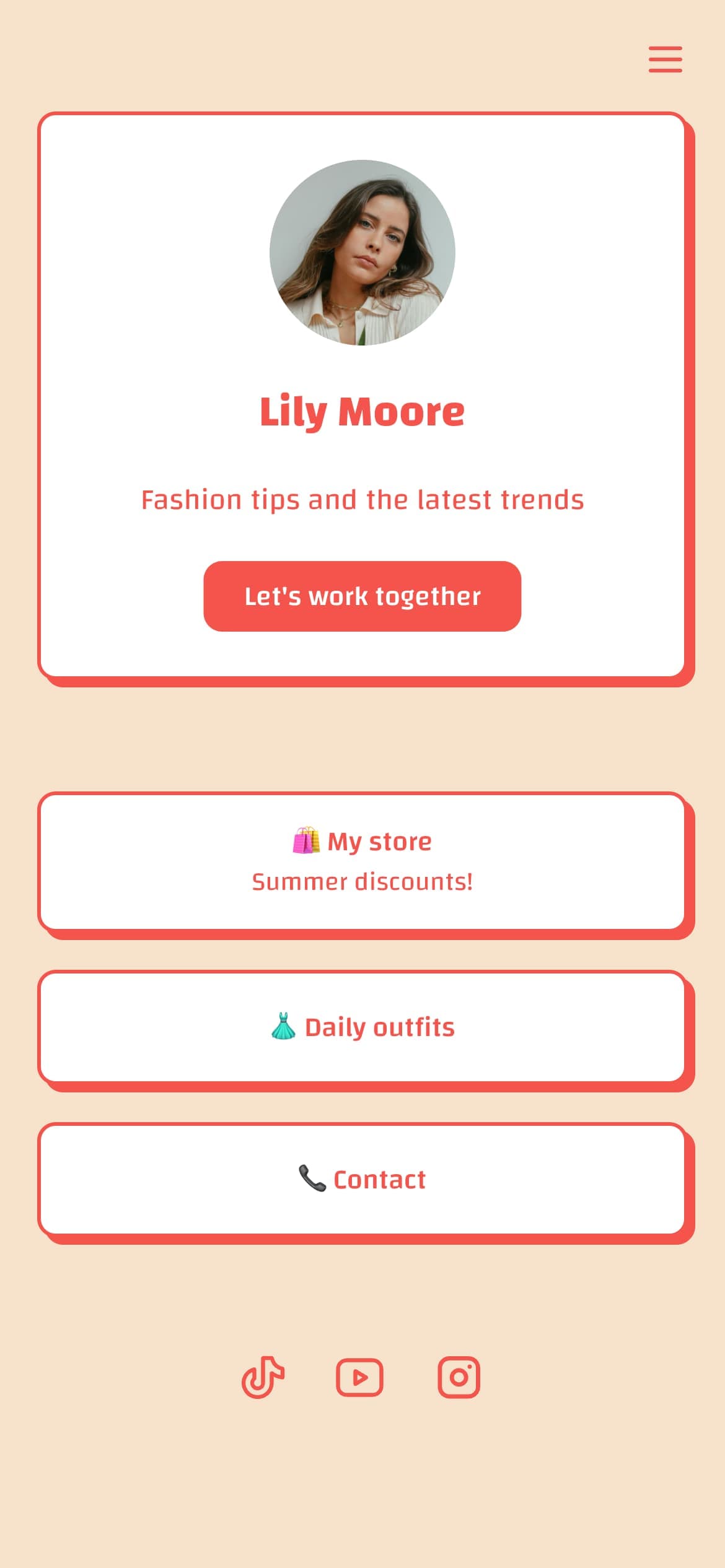
That last one is the mistake we see most often. A bio link page that routes people to your profiles, shop, and latest post is a different product shape, and building it on a blank canvas is work you did not need to do. Carrd charges no transaction fee at all, which reads as a big advantage against link-in-bio tools taking roughly 9% to 12% on sales, but 0% of nothing is not a feature: Carrd is simply not in the payment loop.
Full disclosure, we build Linkero, a link-in-bio tool, so weigh this accordingly: it is the right shape when you want the hub, and the wrong one when you want a designed one-page site, which is exactly when Carrd wins. The head-to-head against the category leader is in Carrd vs Linktree, which prices the 12% Linktree takes on its free tier and answers what people are actually replacing Linktree with, and the wider field is in our best link-in-bio tools roundup. If the only Pro feature you were after was a favicon, you can generate one free with our favicon generator, no plan required.
FAQ
Is Carrd worth it? For a one-page site on your own domain, yes. Pro Standard at $19 a year is cheaper than almost any alternative that includes a custom domain, forms, and analytics. It is not worth it if you need multiple pages, a store, or a link hub, because Carrd does not do those at any price.
Is Carrd trustworthy? It is a small, long-running independent product now operating as Carrd Inc., started by a solo developer. Billing is pay-as-you-go with opt-in auto-renew, so nothing charges you silently. The trade-off is no support organisation and no published team, which matters if you need vendor guarantees.
Why is Carrd so cheap? One developer, one page type, no commerce infrastructure, no support desk, and annual-only billing. The low price reflects a narrow product priced accurately, not a discounted version of a bigger platform.
Does Carrd Pro Lite include a custom domain? No. Pro Lite at $9 a year removes branding and adds cosmetic features only. Custom domains start at Pro Standard, $19 a year, which also adds forms and analytics.
Can you sell products on Carrd? Not natively. There is no store or checkout, so you embed a third-party widget such as Stripe, PayPal, or Gumroad. Carrd takes no cut, but the payment provider still takes theirs.